OT Data Connectors
| Platform: | AvailableWebNot availableMobile |
|---|---|
| Plan Type: | Not availableBasicNot availableEssentialAvailablePremiumAvailableEnterprise |
| User Type: | Not availableRequesterNot availableFull UserAvailableAdministrator |
OT data connectors are an add-on feature. For more information, contact your MaintainX® representative.
Operational technology (OT) systems, such as programmable logic controllers (PLCs), supervisory control and data acquisition (SCADA) platforms, and MQTT brokers, generate real-time data about your equipment. These systems track machine status, runtime, cycle counts, and sensor readings like temperature, pressure, or vibration. This data usually stays within the OT environment, separate from the tools your maintenance team uses to manage assets and work orders.
OT data connectors are the integration layer between those OT systems and MaintainX, and one of the primary paths to using connected data capabilities. Each connector streams tag data from a specific OT source, such as Ignition®, Kepware®, an MQTT broker, or ERBESSD INSTRUMENTS®, into MaintainX and maps it to entities you already use, such as meters, assets, and automations. Once that mapping is in place, MaintainX can use the incoming data to update meter readings, trigger work orders, change asset status, and generate alerts, without a technician re-entering it by hand.
About OT Data Connectors
OT data connectors turn raw machine signals into maintenance action. Instead of relying on manual rounds or reactive fixes, your team can see equipment condition as it changes and let MaintainX handle the parts of the workflow that don't need a human in the loop.
What You Can Do with OT Data
Once an OT data connector is streaming data into MaintainX, you can use it to:
- Populate meter readings automatically: Replace manual meter rounds with a continuous, accurate record of usage and condition data streamed directly from the OT source.
- Trigger work orders: Generate work orders from real-time usage or condition data, instead of waiting for a scheduled inspection to catch a problem.
- Update asset status automatically: Map incoming machine state signals, such as running, stopped, or faulted, to your asset's Online or Offline status in MaintainX as they change.
- Automate alerts and workflows: Use automations to watch incoming meter values and conditions and take action without manual review.
- Strengthen reliability and root cause analysis: Give every asset a real machine-condition history to support root cause analysis and reliability programs.
Common Use Cases
Most teams start with one of three use cases, depending on what they're trying to fix first.
- Usage-based maintenance: Trigger preventive maintenance (PM) from actual runtime, cycle counts, or production activity, rather than a fixed calendar interval. For example, a PLC tracks runtime hours on a critical motor. That runtime tag streams into MaintainX and updates the asset's meter. When the meter crosses its threshold, a PM work order fires automatically, so the team services the motor based on how hard it's actually running instead of a generic schedule.
- Condition-based maintenance: Trigger work orders from values like temperature, pressure, current draw, vibration, or fault codes when they cross a defined threshold, so your team responds to early warning signs instead of finding out after a failure. For example, a vibration sensor on a pump streams readings into MaintainX. When vibration exceeds the defined threshold, a work order fires automatically, prompting the team to inspect the pump before a bearing fails.
- Asset status tracking: Map machine state signals, such as running, stopped, or faulted, to your asset's Online or Offline status automatically, giving you accurate downtime context for reliability and root cause analysis without anyone updating status by hand. For example, a PLC reports a conveyor's state as stopped. MaintainX updates the asset's status to Offline, capturing the downtime automatically instead of relying on someone to log it after the fact.
What Data Should You Connect?
OT data connectors work with a wide range of signals, including:
- Machine status
- Runtime hours or cycle counts
- Meter-based readings such as temperature, pressure, current draw, or vibration
- Fault codes and alarms
- Production or usage signals
Start with the tags tied to the outcome you're trying to support, such as asset state, usage, or an actionable condition. You can always connect more later. Once your tags are flowing, Smart Tag Mapping uses AI to suggest meters, units, and assets for each one, so you spend less time on manual setup and more time acting on the data.
OT Data Connector Types
Every OT data connector solves the same problem, getting equipment data out of an OT system and into MaintainX, but not every plant gets there the same way. Some teams already run a SCADA platform or industrial middleware and only need a bridge, while others want MaintainX to own the entire pipeline, sensor hardware included. To cover both, OT data connectors come in two delivery models:
- Fully managed integrations: MaintainX manages the full data pipeline on your behalf, including the hardware and the software. ERBESSD INSTRUMENTS is a fully managed integration.
- Self-managed integrations: You manage your own OT hardware and software, and MaintainX provides the connector that streams your existing data into MaintainX. Ignition, Kepware, and MQTT are self-managed integrations.
Across every connector, the data flows one direction: MaintainX receives readings from your OT system, and none of these connectors write commands or configuration back to your PLCs, sensors, or SCADA platform. Each connector communicates outbound over HTTPS, so your OT network doesn't need to open any inbound ports for MaintainX to receive data.
The self-managed connectors map to how most industrial sites are already set up:
- Ignition: Inductive Automation Ignition users install the MaintainX module directly on their Ignition Gateway to stream real-time tag data into MaintainX, powering condition-based maintenance, insights, and alerts.
- Kepware: Kepware users set up a Kepware IoT Gateway REST Client to transmit tag data from PLCs, sensors, and other industrial protocols into MaintainX, without adding another point of integration to their OT stack.
- MQTT: MQTT users deploy the MaintainX On-Premise Agent (OPA) to subscribe to their broker and stream that data into MaintainX alongside everything else consuming it.
Integrations
Every OT data connector you configure shows up as a connector instance on your organization's Integrations page, alongside the other systems connected to MaintainX. Each instance represents one live link between an OT source, such as an Ignition Gateway, a Kepware server, an MQTT broker, or an ERBESSD INSTRUMENTS deployment, and your MaintainX organization, continuously streaming that source's tag data into MaintainX once it's configured.
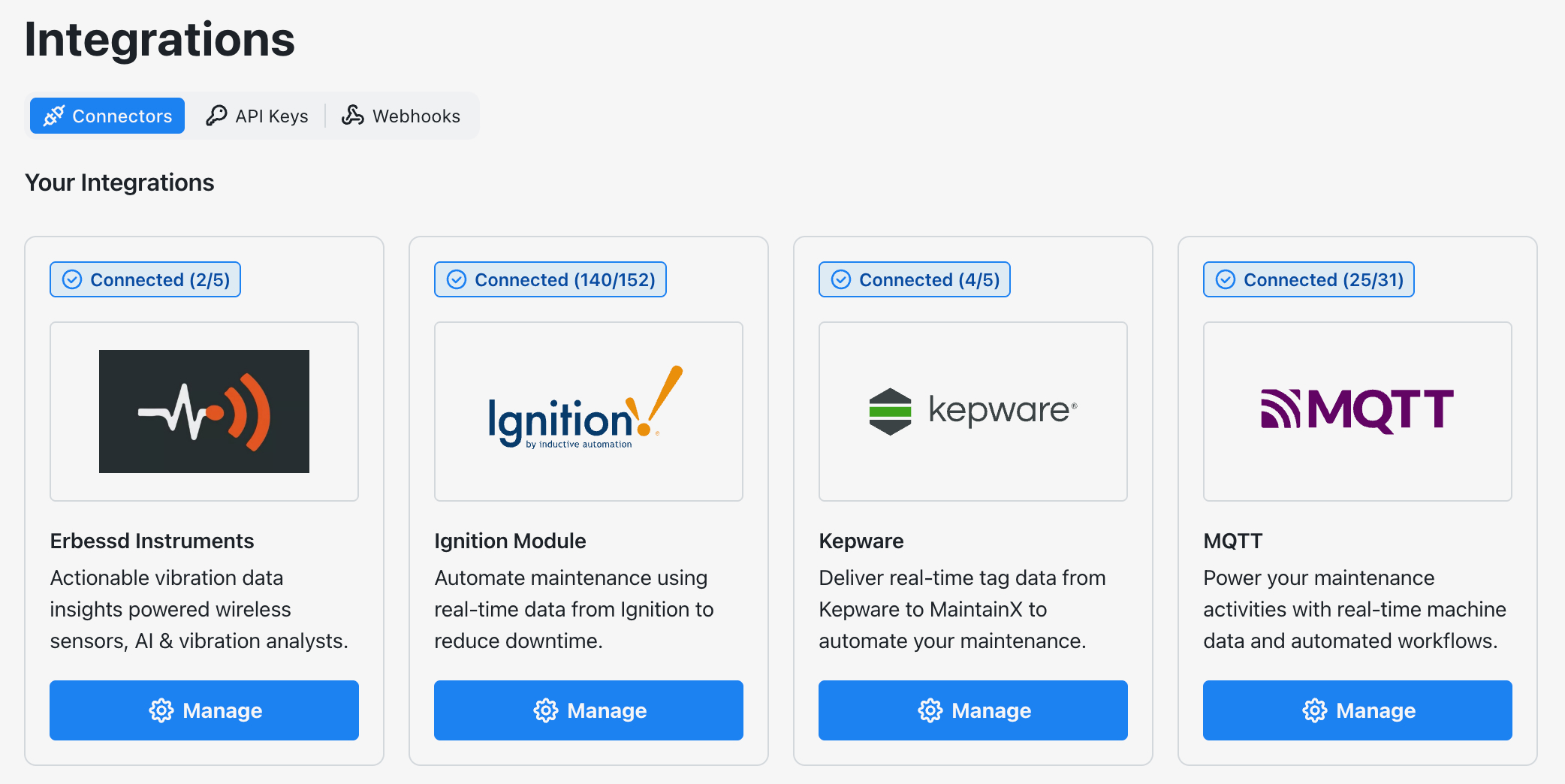
The following integration setup guides are available:
Ignition, Kepware, and MQTT stream tag data from OT systems you already own and manage. ERBESSD INSTRUMENTS is a fully managed integration instead. MaintainX supplies the vibration sensors, manages the gateway, and reviews each AI-generated alert before it becomes a work order.
For this reason, ERBESSD INSTRUMENTS isn't classified as a general-purpose OT data connector like Ignition, Kepware, and MQTT. It's a purpose-built vibration monitoring integration that brings its own sensor and gateway ecosystem into MaintainX. For more information, see About the ERBESSD INSTRUMENTS Integration.