Translate Work Order Content
| Platform: | AvailableWebAvailableMobile |
|---|---|
| Plan Type: | Not availableBasicNot availableEssentialNot availablePremiumAvailableEnterprise |
| User Type: | Not availableRequesterAvailableFull UserAvailableAdministrator |
You can use MaintainX® Assist to translate content you or other members of your organization add to work orders. MaintainX Assist translates the content into your selected language while preserving the original text.
Translating content helps your team overcome language barriers and share maintenance information more effectively.
AI-translated content may contain errors. Always review the translation for accuracy before using it or taking action.
You can translate the following information into any of MaintainX's supported languages:
- Descriptions
- Procedures, except conditional fields. For more information, see Procedure Fields.
- Comments
- Summaries
To display the MaintainX application in another language, you can change your display language settings. For more information, see Display Language Settings.
Translation Limitations
Before translating work order content, be mindful of the following known limitations:
- Source text affects accuracy: Abbreviations, shorthand, unclear wording, and specialized terminology can reduce translation accuracy.
- Translations are temporary: MaintainX Assist generates translations on demand and doesn't save them as part of the work order details.
Translate a Work Order's Description, Procedure, or Summary
- Web
- Mobile
-
From the sidebar, select Work Orders.
-
Locate the work order you want to translate, and select it to view its details.
-
In the work order details, navigate to the Description, Procedure, Summary fields.
-
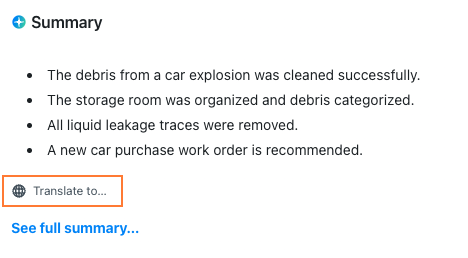
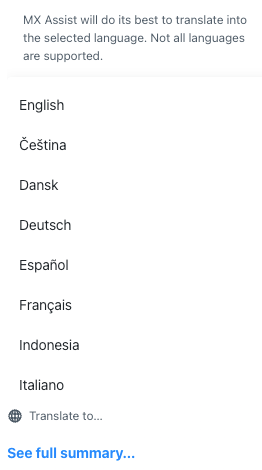
Hover over the field and select Translate to.... A drop-down list appears with MaintainX supported languages.
-
Select a language from the list.
MaintainX Assist translates the content into the selected language.
-
(Optional) Select Show original to revert the content to its original language.
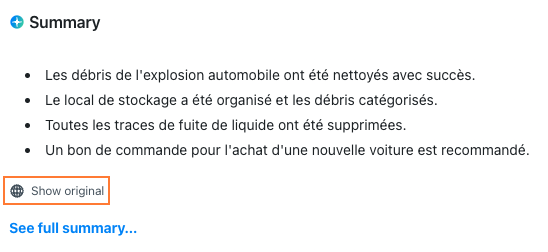
Work order summary with translated content into French, with an option to revert to original content
On mobile, you can only translate work order descriptions and summaries.
-
From the bottom navigation bar, select Work Orders.
-
Locate the work order you want to translate, and select it to view its details.
-
In the work order details, select the Details tab.
-
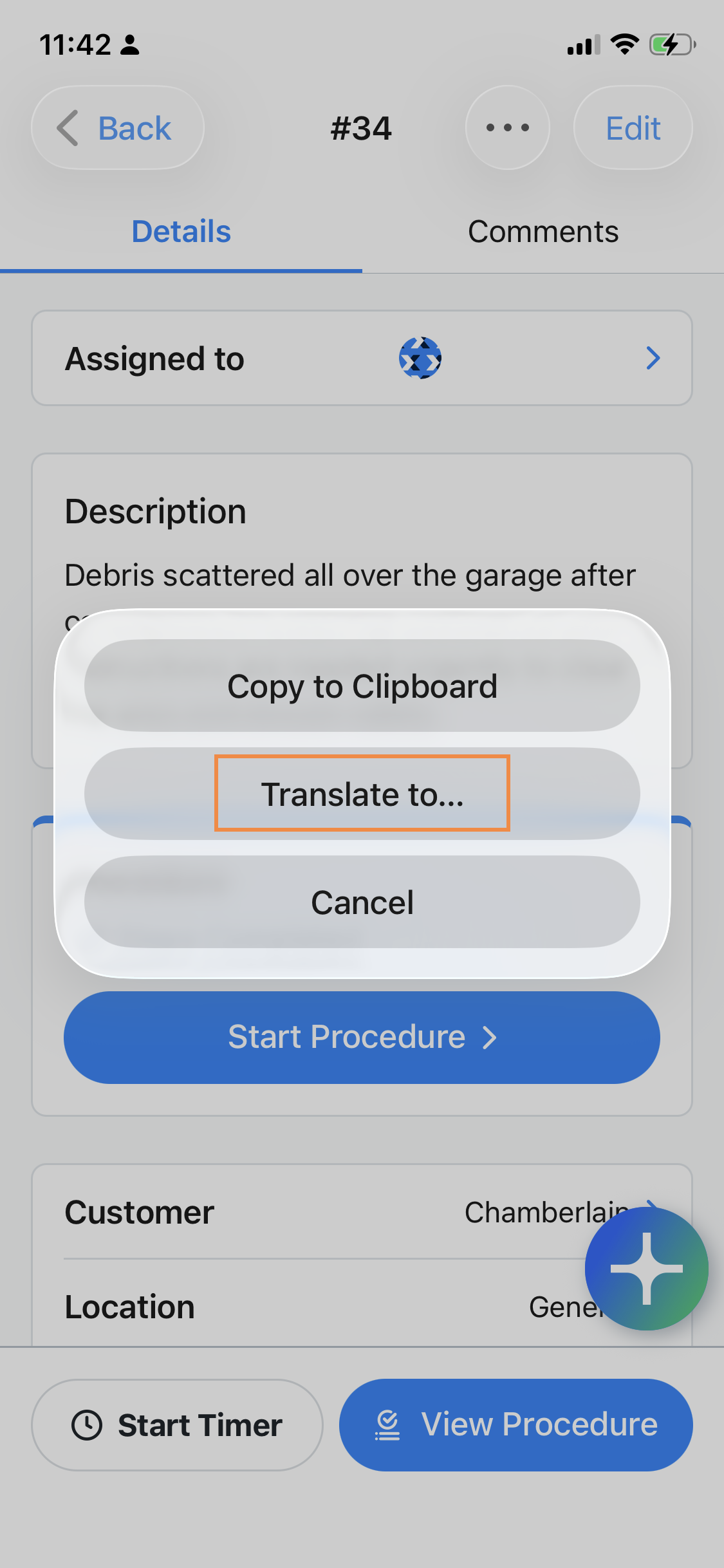
Long-press the Description or Summary field. A dialog appears.
-
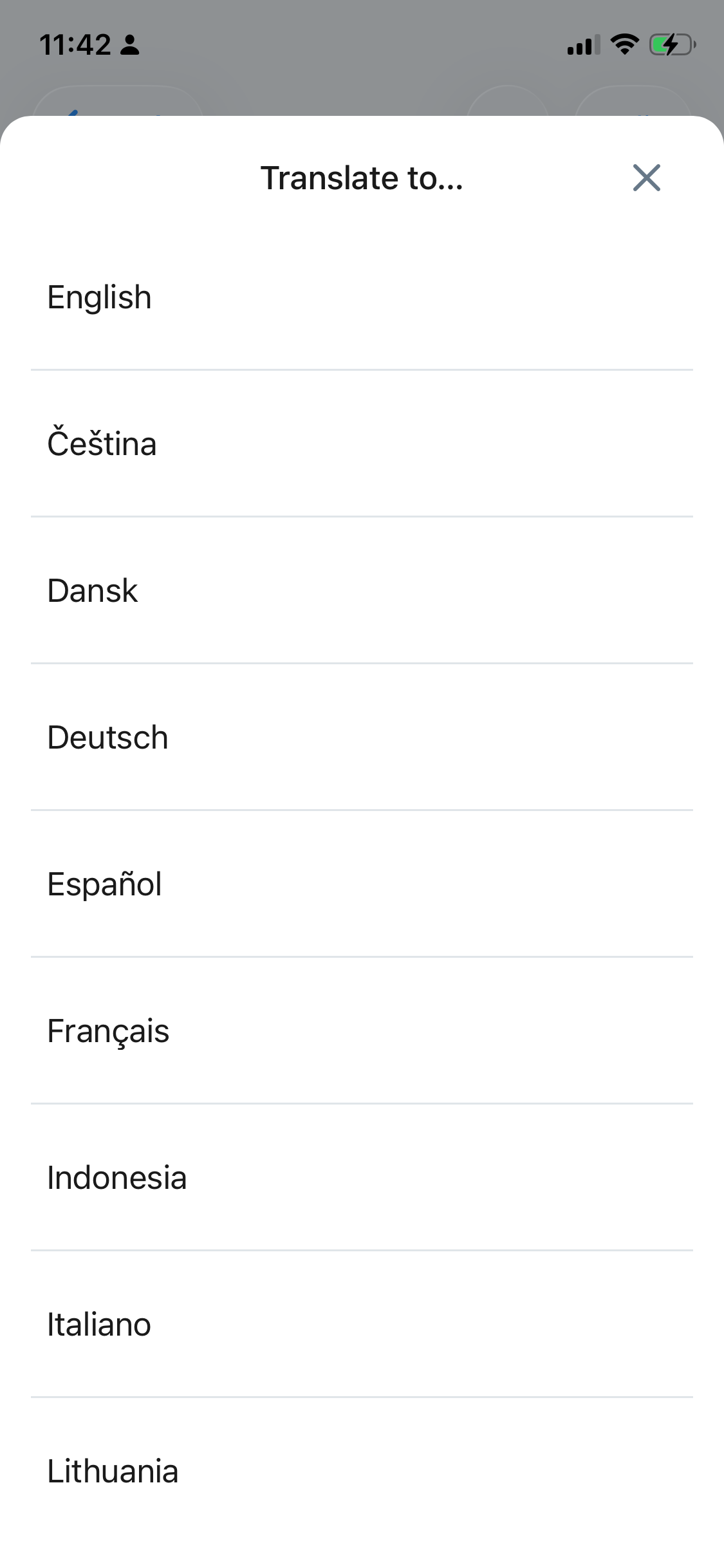
In the dialog, select the Translate to... option.
-
Select a language from the list.
MaintainX Assist translates the content into the selected language.
-
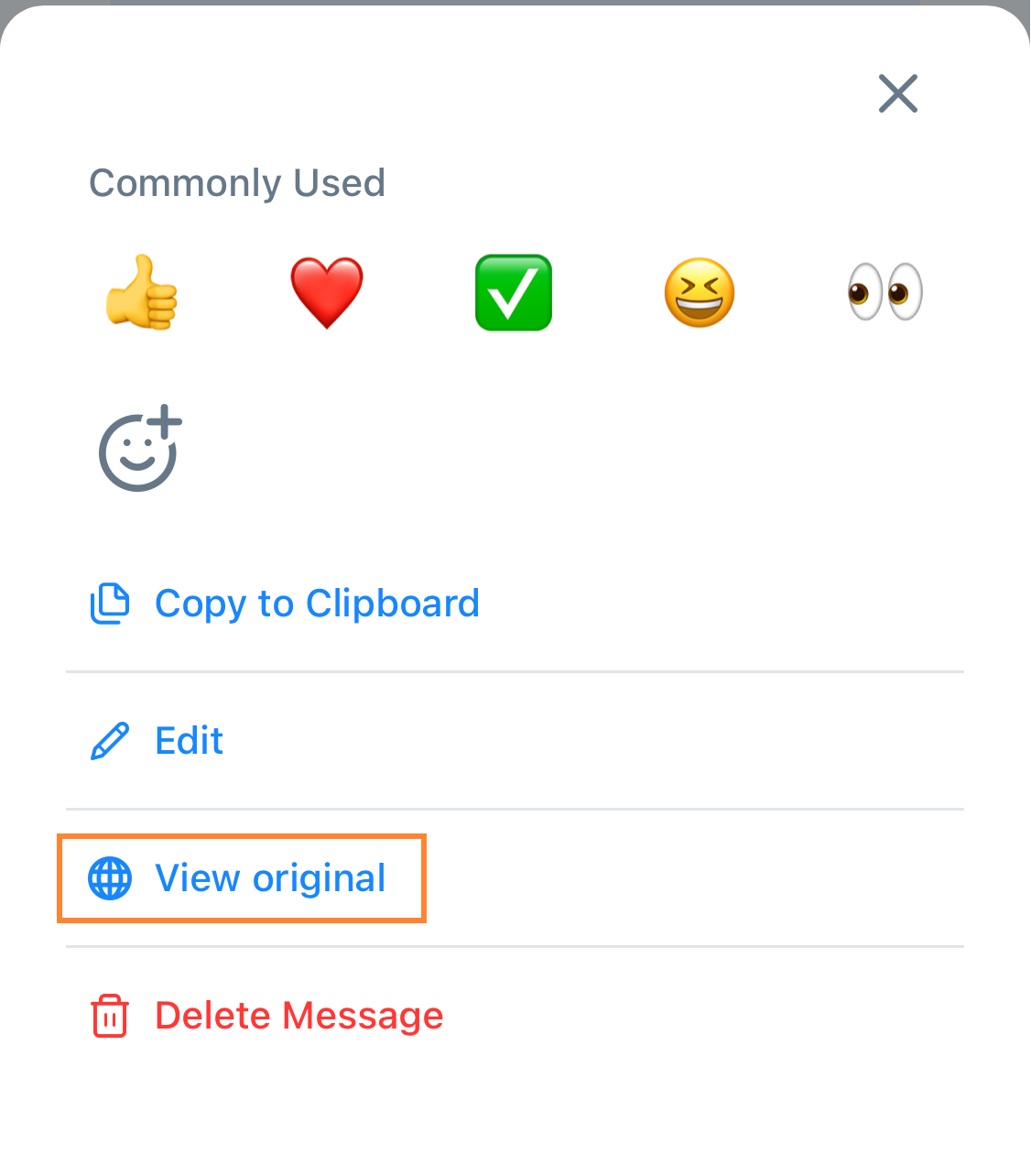
(Optional) Long-press the translated content then select View original to revert the content to its original language.
Translate a Work Order's Comment
- Web
- Mobile
-
From the sidebar, select Work Orders.
-
Locate the work order you want to translate, and select it to view its details.
-
In the work order details, navigate to the Comments field.
-
Hover over a comment you or someone in your organization added to the work order. Options appear.
-
Select (Translate to...). A drop-down list appears with MaintainX supported languages.
-
Select a language from the list.
MaintainX Assist translates the content into the selected language.
-
(Optional) Select (Show original) to revert the content to its original language.
-
From the bottom navigation bar, select Work Orders.
-
Locate the work order you want to translate, and select it to view its details.
-
In the work order details, select the Comments tab.
-
Long-press the comment you want to translate.
-
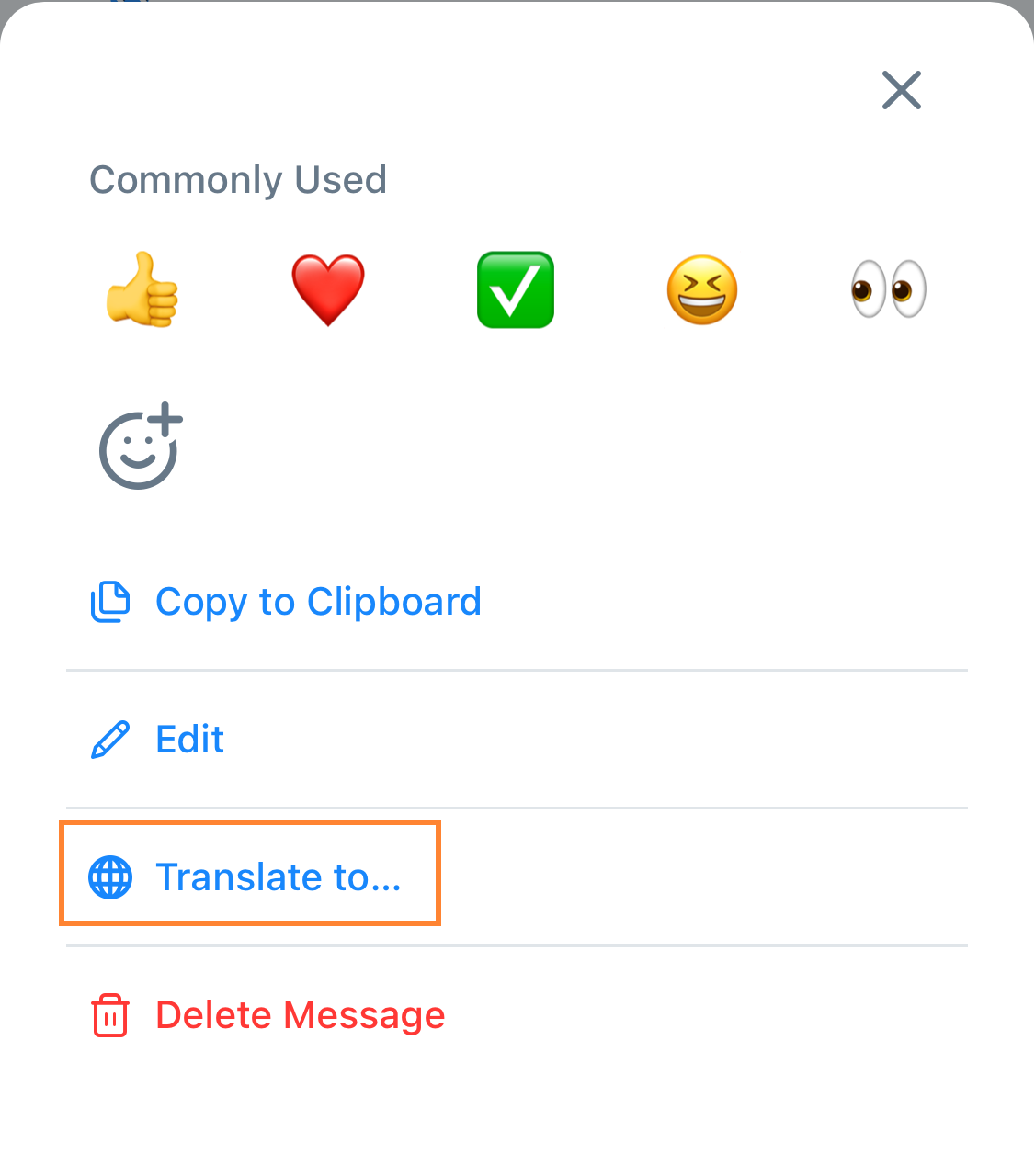
Select the Translate to... option.
-
Select a language from the list.
MaintainX Assist translates the content into the selected language.
-
(Optional) Long-press the translated content then select View original to revert the content to its original language.